

Zero results rate: what it is, how to measure it, and 5 strategies to reduce it to 0
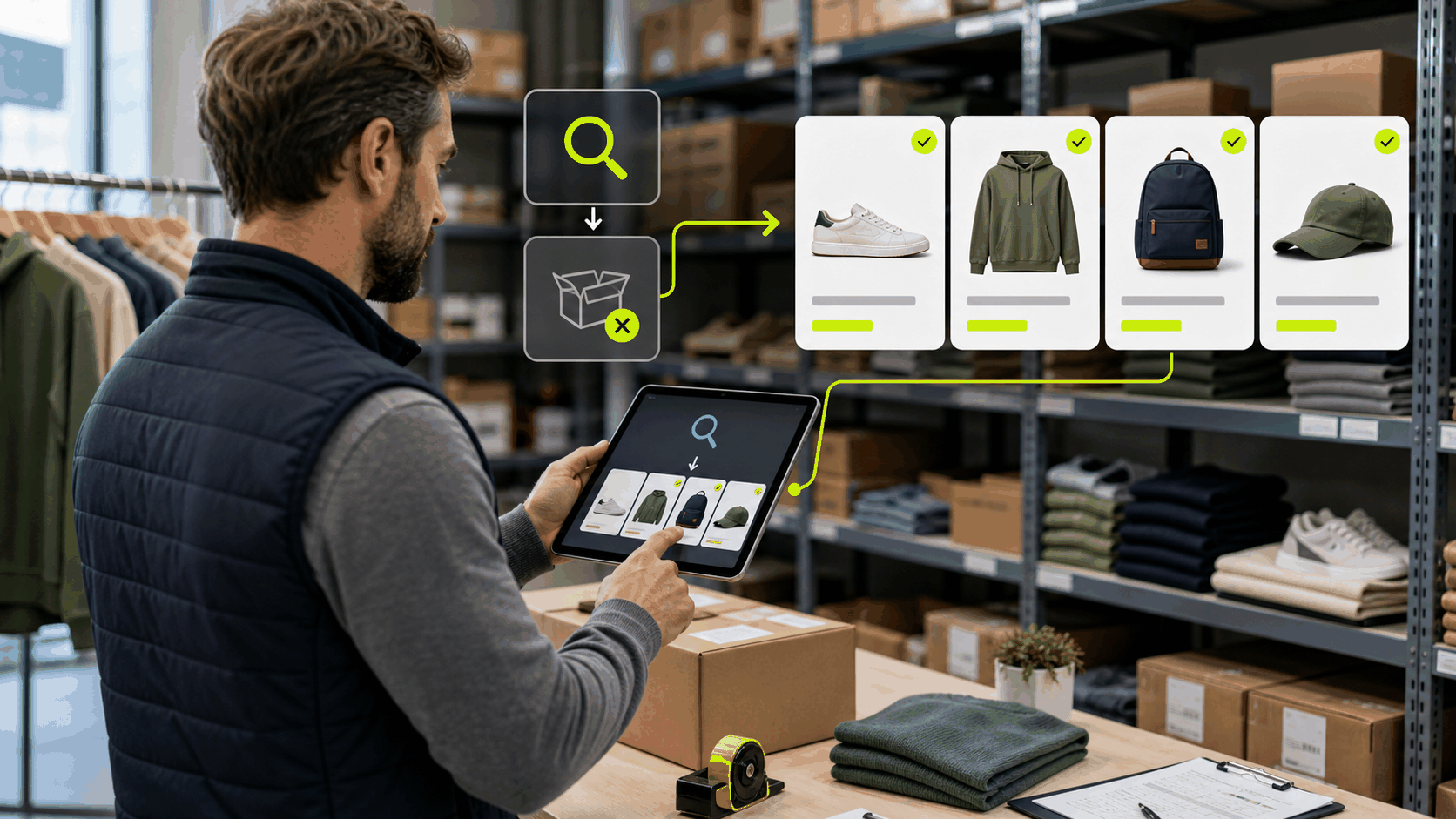
The zero results rate in ecommerce measures the percentage of searches that return no products. It is one of the most direct indicators of search engine quality, and one of the most costly in terms of lost revenue. Every zero results page is a missed sale: the customer told you exactly what they wanted, and your store said it doesn’t exist.
Reducing the zero results rate in ecommerce to as close to zero as possible is one of the highest-ROI optimizations available to any online store. Bringing that rate to zero is one of EcommFinder‘s core goals.
Why the zero results rate in ecommerce hurts your revenue

Users who see a zero results page have a very high abandonment rate. According to Baymard Institute, 39% of ecommerce sites show zero results even for searches where products exist in the catalog — the search engine simply fails to find them due to vocabulary mismatches, poor indexing, or lack of synonym support. The zero results rate in ecommerce is therefore both a search quality problem and a revenue problem. Fixing it doesn’t require adding new products; it requires making your existing catalog discoverable.
Main causes of a high zero results rate

Vocabulary mismatch between catalog and customers
The most common cause of a high zero results rate in ecommerce is the gap between how products are named in the catalog and how customers describe them. Your catalog might say “running trainers” but customers search “jogging shoes”. Without synonym rules bridging these terms, the result is zero matches. EcommFinder’s AI-powered synonym engine automatically detects these gaps from your search query log and suggests mappings to fix them.
Typos and spelling variations
Typo tolerance is essential for reducing the zero results rate. EcommFinder uses fuzzy matching that handles common misspellings, transposed characters, and phonetic variations, ensuring that a search for “sneakers” still finds “sneackers” and vice versa.
Discontinued or out-of-stock products
When products are removed from the catalog but customers keep searching for them, the zero results rate increases. EcommFinder can redirect these searches to the closest active product or category, keeping the customer journey alive even when the exact product is no longer available.
How to reduce the zero results rate with EcommFinder
EcommFinder provides a dedicated Zero Results dashboard that shows every query returning no results, ranked by search volume. This makes it easy to prioritize which gaps to fix first. For each problematic query, you can implement one of three solutions: add a synonym rule to map the query to existing products, create a redirect to the most relevant category or landing page, or use the query as a signal to expand your catalog. The combination of these three approaches can bring the zero results rate in ecommerce close to zero within a few weeks. Connect this work to your overall search analytics strategy to measure the improvement systematically. Also consider optimizing your search abandonment rate in parallel — the two metrics are closely related.
What to show on a zero results page

Even with a robust synonym and typo-tolerance system, some searches will inevitably return no results. The zero results page is your last chance to retain the customer. A well-designed zero results page suggests alternative searches, shows the best-selling products from the most relevant category, and offers a prominent search bar for the user to refine their query. EcommFinder allows full customization of the zero results page, including dynamic product recommendations based on the original search intent.
Frequently asked questions about zero results rate in ecommerce
What is a good zero results rate benchmark for ecommerce?
A zero results rate below 5% is considered good for a well-optimized ecommerce search. The best-performing stores with mature synonym libraries and strong catalog coverage achieve rates below 2%. If your zero results rate is above 10%, it should be a top priority to address.
How do I measure the zero results rate in ecommerce?
The zero results rate is calculated by dividing the number of searches with no results by the total number of searches, expressed as a percentage. EcommFinder tracks this metric natively and breaks it down by query, time period, device, and user segment.
Can zero results be caused by indexing issues rather than vocabulary gaps?
Yes. If products are not correctly indexed — due to missing metadata, empty descriptions, or indexing errors — they won’t appear in results even when the query matches the product name exactly. EcommFinder includes an indexing health dashboard that flags products with incomplete data that could be causing zero results.
Should I show sponsored products on zero results pages?
Showing promoted or sponsored products on zero results pages can be an effective way to convert users who would otherwise leave. However, the recommendations must be genuinely relevant to the original search intent — irrelevant promotions on a zero results page increase abandonment rather than reducing it.
Related articles
Optimize your ecommerce searches today
It's very simple, in 5 minutes you will have our connector installed to start indexing data.
Try for €1
Leave a Reply